Skip to content
Apps Made With AI
iOS and Android from one website

Your website, on the App Store and Google Play

Paste your address. We wrap it in a real native app — push notifications, offline mode, native navigation — and hand you signed builds submitted from your developer accounts.

We read your title, icon, colours and navigation, then show you exactly what your app will look like. No account changes, no code.

to configure
~15 minto configure
from one build
Both storesfrom one build
owns every listing
Your accountowns every listing
9:41
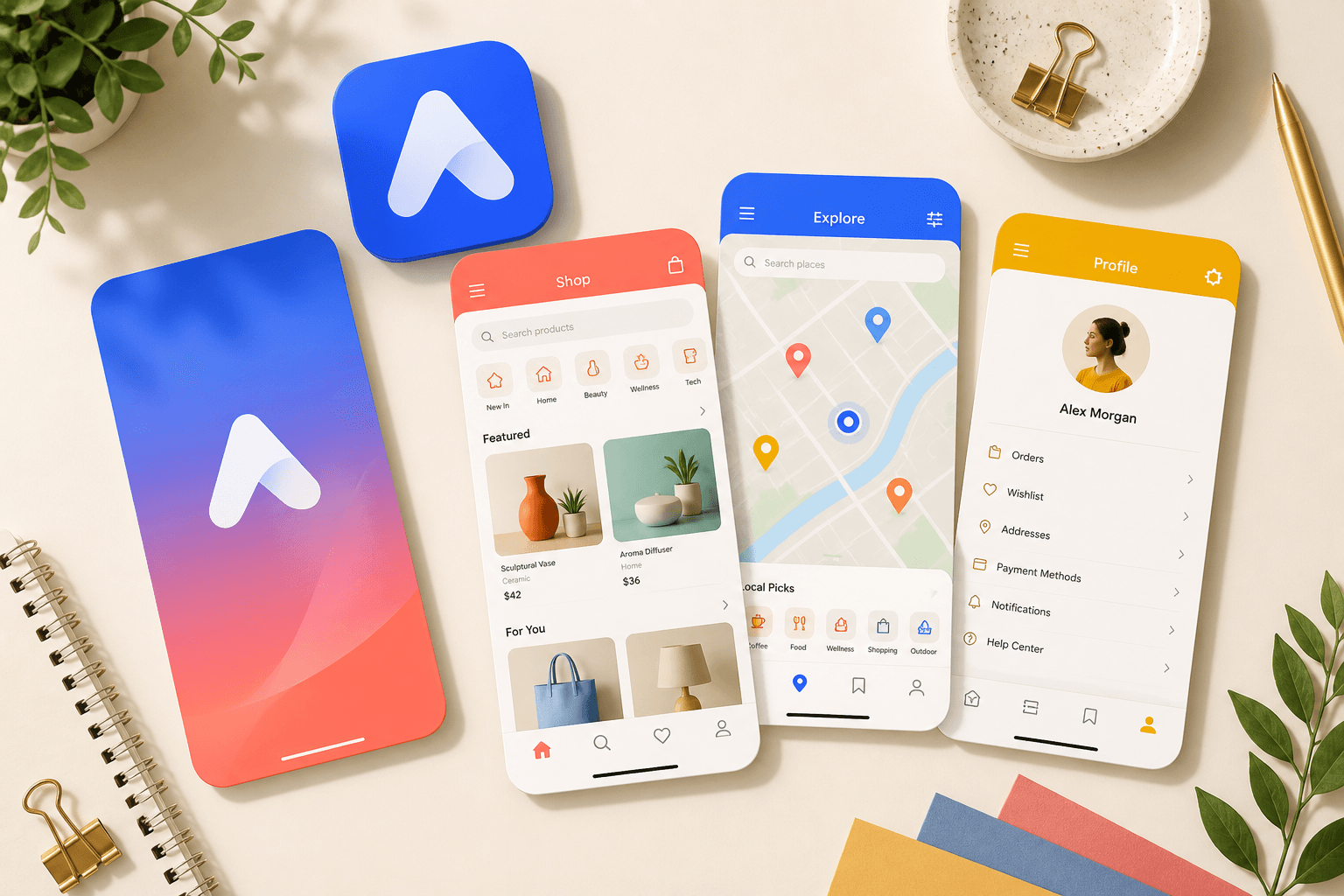
A boutique shopping app on a phone, with native tabs instead of a browser bar
Shop
Search
Orders
You

Works with the site you already have

  • WordPress
  • Shopify
  • Webflow
  • Squarespace
  • Wix
  • Custom sites

The part nobody mentions

Apple rejects repackaged websites

It is the most common reason a website-to-app product fails — after you have paid, configured everything, and waited a week for review.

“Your app should include features, content, and UI that elevate it beyond a repackaged website.”

App Store Review Guidelines, section 4.2 — Minimum Functionality
DifferenceA plain wrapperApps Made With AI
App Store outcomeUsually rejected under Guideline 4.2Built around the functionality 4.2 asks for
Whose developer accountOften the vendor’s, which 4.2.6 prohibitsAlways yours — you own the listing
OfflineBrowser error pageNative cached shell and branded offline screen
Store screenshotsYou make them by handRendered from your site at every required size
Source codeRarely availableFull Xcode and Android projects, downloadable

How it works

Three steps, about fifteen minutes

You do not write any code, and you do not touch Xcode.

  1. 01

    We read your site

    Paste your address. We load it the way a phone would and report what we found — and what would make a poor app.

    • Title, icons, theme colour and web manifest
    • Whether the layout actually works at phone width
    • Your navigation, turned into draft tabs
    • Blocking problems in plain language
  2. 02

    You choose how it behaves

    Toggle native capabilities. Each one shows what it does for visitors and what App Review expects in return.

    • Push, offline, pull to refresh, native tabs
    • Camera, photos, location, Face ID, share sheet
    • A usage sentence for every iOS permission
    • A live readiness score that names what to fix
  3. 03

    We build, you publish

    Signed binaries and every store asset, submitted from your Apple and Google accounts — never ours.

    • A signed .ipa and .aab on real CI runners
    • Icons and splash screens at every density
    • Store screenshots from your live site
    • Submission under your own developer accounts

What makes it an app

The things a browser tab cannot do

Every one of these is a reason someone keeps your app on their home screen — and a reason App Review lets it through.
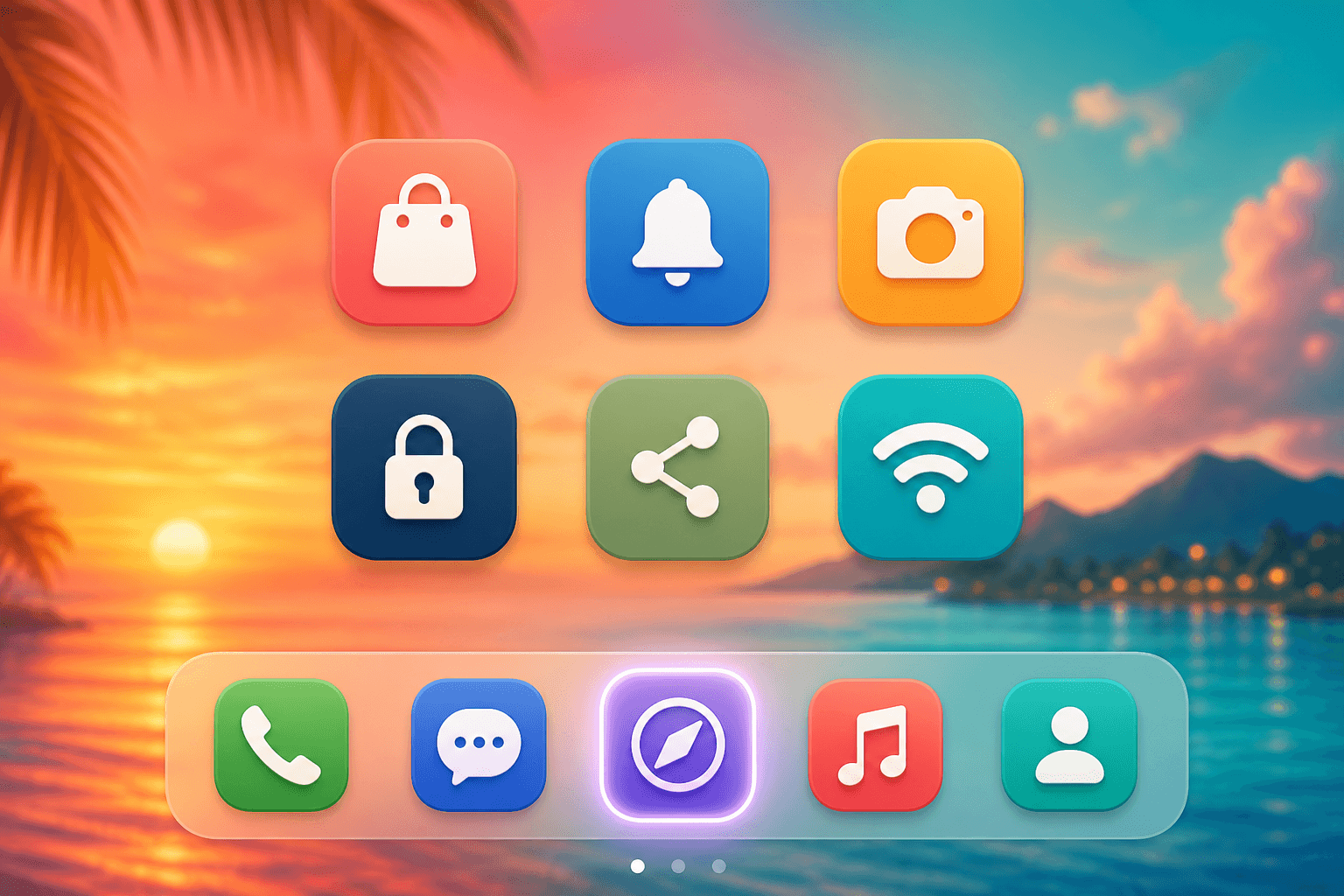
A colourful phone home screen with a custom app icon on the dock

Push notifications

Reach people on the home screen instead of hoping they reopen a tab.

Works offline

A branded native shell when the signal drops — not a browser error page.

Native navigation

Real iOS tab bars and Android drawers, driven by your own URLs.

Deep links

A link to your site opens the app at exactly that screen.

Camera and photos

The real system picker for receipts, profiles and support tickets.

Biometric lock

Face ID and fingerprint in front of account pages, with no native code from you.

Pull to refresh

The gesture people already expect, wired to the native scroll view.

System share sheet

Share to Messages or WhatsApp through the real OS sheet.

Ships to both stores

One configuration. iPhone and Android.

We produce a signed .ipa on macOS and a signed .aab on Linux from the same settings. You pick the stores. Your customers pick the phone.

App Store

Signed .ipa through App Store Connect.

Apple Developer Program · $99/year, paid to Apple

Google Play

Signed .aab on the track you choose.

Play Console · $25 once, paid to Google
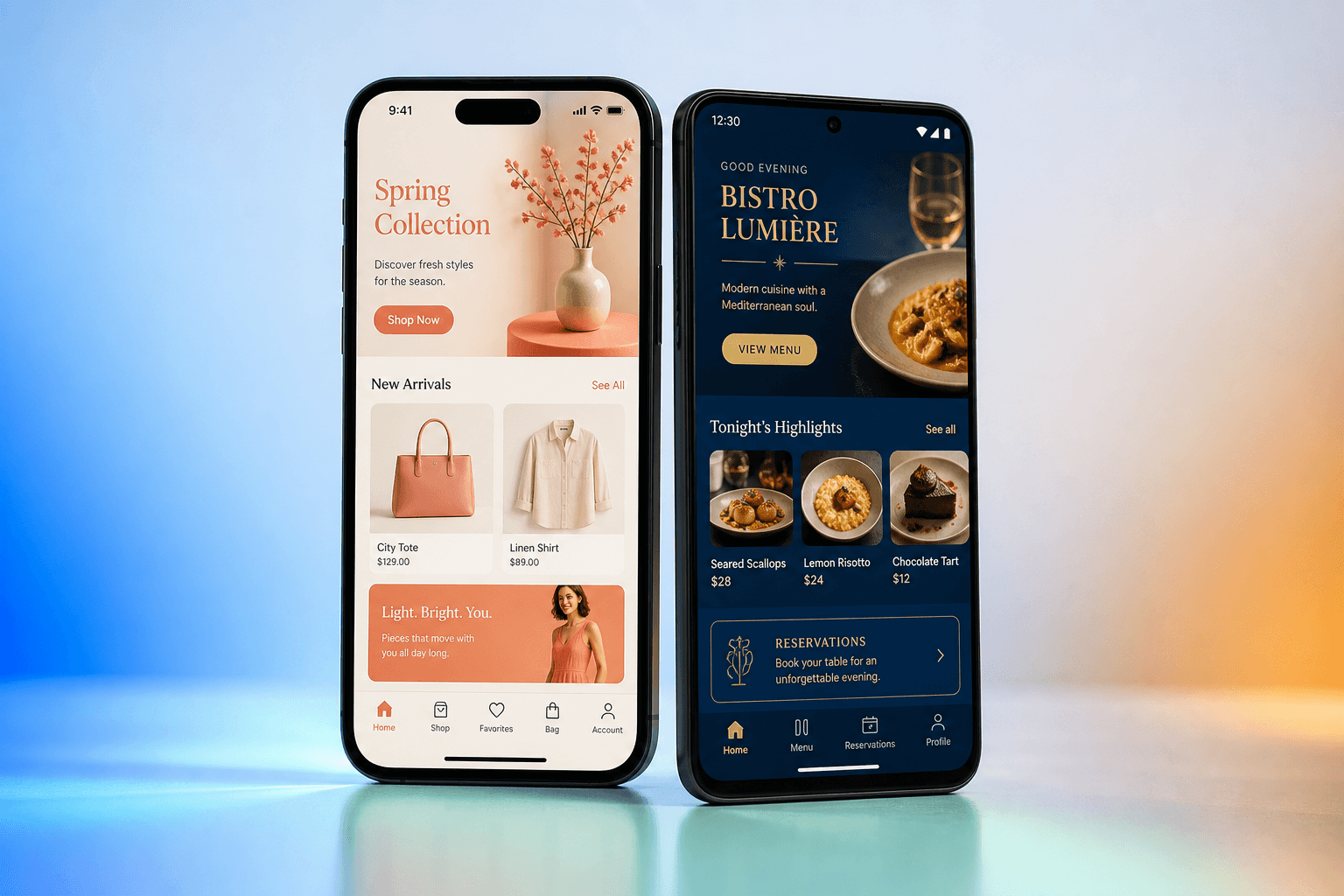
An iPhone and an Android phone showing colourful native apps built from a website
App icon, splash screen and store screenshots generated from a live website

No lock-in

Published under your accounts, not ours

Apple guideline 4.2.6 says apps from a generation service must be submitted by the owner of the content. We think it is the right way round anyway.

  • You own the listings, the reviews and the download numbers.
  • You connect API keys you can revoke. We never see a password.
  • Your Android upload keystore is downloadable — back it up.
  • Export the full Xcode and Android Studio projects whenever you want.

Pricing

Free until you are ready to ship

Analyse your site, preview the app and test a real build without paying. You only pay when you want signed binaries on a store.

Free

Freeforever

See exactly what your app will look like before you spend anything.

  • Site detection and readiness report
  • Live device preview
  • Unsigned Android APK for testing on your own phone
  • Icon and splash generation
Start free

Pro

Most popular

$29per app / month

Signed iOS and Android builds published under your own developer accounts.

  • Signed .ipa and .aab builds
  • Push notifications (APNs + Firebase)
  • Unlimited rebuilds
  • Store screenshots generated at every required size
  • Submission assistance and privacy-label guidance
Choose Pro

Agency

$199per month

Ship apps for your clients, from one place, under their accounts.

  • Everything in Pro, for unlimited apps
  • White-label dashboard
  • Multiple client organizations
  • Bulk builds and rebuilds
  • Priority build queue
Choose Agency

Apple and Google developer-account fees are paid to them, not to us. Full pricing details.

Questions

The ones people actually ask

Do I need a developer account?
Yes — Apple Developer Program ($99/year) for iOS and a Google Play account ($25 once). They have to be yours: Apple requires apps from a generation service to be submitted by the owner of the content. You also own the listings, reviews and download numbers outright.
How long does it take?
Configuring the app takes about fifteen minutes. Builds finish in five to ten. After that you wait on the stores: Google Play is usually a day or two, Apple typically 24–48 hours.
What happens when I update my website?
Nothing to do. The app loads your live site, so content changes appear immediately. You only rebuild when you change the app itself — icon, native features, or navigation.
Will it work with my platform?
If it is a website, yes — WordPress, Shopify, Webflow, Squarespace, Wix, or something you built. What matters is that it works on a phone. We check that first.
Is this just a web view in a wrapper?
It is a real native project that renders your site inside it. The difference is what surrounds the web view: native tab bars, a native offline screen, push notifications, deep links and device access. That surrounding layer is what App Review looks for.
What if I cancel?
Your app stays on the stores — it lives in your developer account. You lose rebuilds, push through us, and the dashboard. Export source and keystore first and you can carry on independently.

Ready when you are

See your website as an app

Analysis and preview are free. You will know whether the site is ready — and what to fix if it is not — before you spend anything.

We read your title, icon, colours and navigation, then show you exactly what your app will look like. No account changes, no code.