Site inspection
We load your URL the way a phone would and report title, icons, theme colour, manifest, navigation, and anything that would make a poor app — including a missing viewport or a login wall on the first screen.
Features
Your content stays where it is. Apps Made With AI adds the native shell, the device access, the store pipeline, and the publishing path App Review actually looks for.
The platform
Native toggles are only half of it. Detection, signing, screenshots, credentials and domain proof are what actually get an app onto a store — and keep it yours.
We load your URL the way a phone would and report title, icons, theme colour, manifest, navigation, and anything that would make a poor app — including a missing viewport or a login wall on the first screen.
Real iOS tab bars and Android drawers, driven by your own URLs. No browser chrome, no address bar. Pull to refresh and a branded offline screen sit in the native shell, not in JavaScript.
Every toggle shows what it does for users and what App Review expects. A live score names the step where each problem is fixed, so you do not find out in a rejection email.
A signed .ipa on macOS runners and a signed .aab on Linux, from the same configuration. Icons and splash screens at every density both platforms require.
Your live site is captured at every size Apple and Google demand, cookie banners dismissed first, then checked against the exact pixel requirements — because a wrong-sized screenshot is an instant upload rejection.
Apps are submitted from your Apple and Google accounts. API keys are encrypted per organisation, bound so a stolen record cannot be replayed, and never written to logs. You can revoke them any time.
Control of the website is proven before any build runs. That is what keeps this from becoming a phishing-app factory, and it is what App Review expects of the content owner.
Invite teammates as owners, admins or members. Agency workspaces keep each client’s credentials and apps separate. Configurations are versioned so a rejected build can be diffed against one that passed.
Native capabilities
You turn these on or off per app. Each one that needs an iOS permission also needs the sentence Apple shows the user — a build cannot start while one is missing.
Send notifications to people who install the app, via APNs on iOS and Firebase on Android.
The single strongest argument that your app does something a website cannot. Reviewers look for it.
Ask engaged users for a store rating using the native review dialog.
Cache the app shell natively and show a branded screen instead of a browser error when the connection drops.
Apple explicitly rejects apps that show a blank page or a browser error offline.
Native pull-to-refresh gesture at the top of every page.
Open the native share sheet from your site through the `NativeApp` bridge.
Short vibrations on taps and confirmations, the way native apps feel.
Require Face ID, Touch ID or Android biometrics before the app content is shown.
A genuinely native capability that a browser tab cannot offer.
Let the site open the native camera to take photos or scan codes.
Let people pick existing photos from their device.
Share the device location with your site for maps, delivery or store finders.
Enable native file pickers for `<input type="file">` on both platforms.
Links outside your allowed origins open in a Safari View Controller / Chrome Custom Tab instead of the app WebView.
Prevents the app becoming a general-purpose browser — an explicit rejection reason on both stores.
Links to your website open the app at the matching screen when it is installed.
Requires the association files to be served from your domain; we generate them for you.
The hardware back button navigates web history and exits at the root, as Android users expect.
Google Play flags apps where the back button closes the app from any screen.
For your website
Add the snippet we give you and your site gains a small JavaScript API. The same code runs on the web and inside the app — it simply does nothing in a browser.
If a capability was switched off at build time, the promise rejects with a typed error rather than throwing into your page.
<script src="https://cdn.appsmadewithai.com/native.js"></script>
<script>
  // Safe to call anywhere: it no-ops in a normal browser.
  if (NativeApp.isNativeApp) {
    await NativeApp.push.requestPermission();
    const token = await NativeApp.push.getToken();
    await saveTokenForUser(token);
  }

  shareButton.onclick = () =>
    NativeApp.share({ title: document.title, url: location.href });
</script>
Store assets
Producing these by hand is the most tedious part of shipping: every device, every time you change something. Apps Made With AI renders your live site, then composites the result into presentable marketing frames.
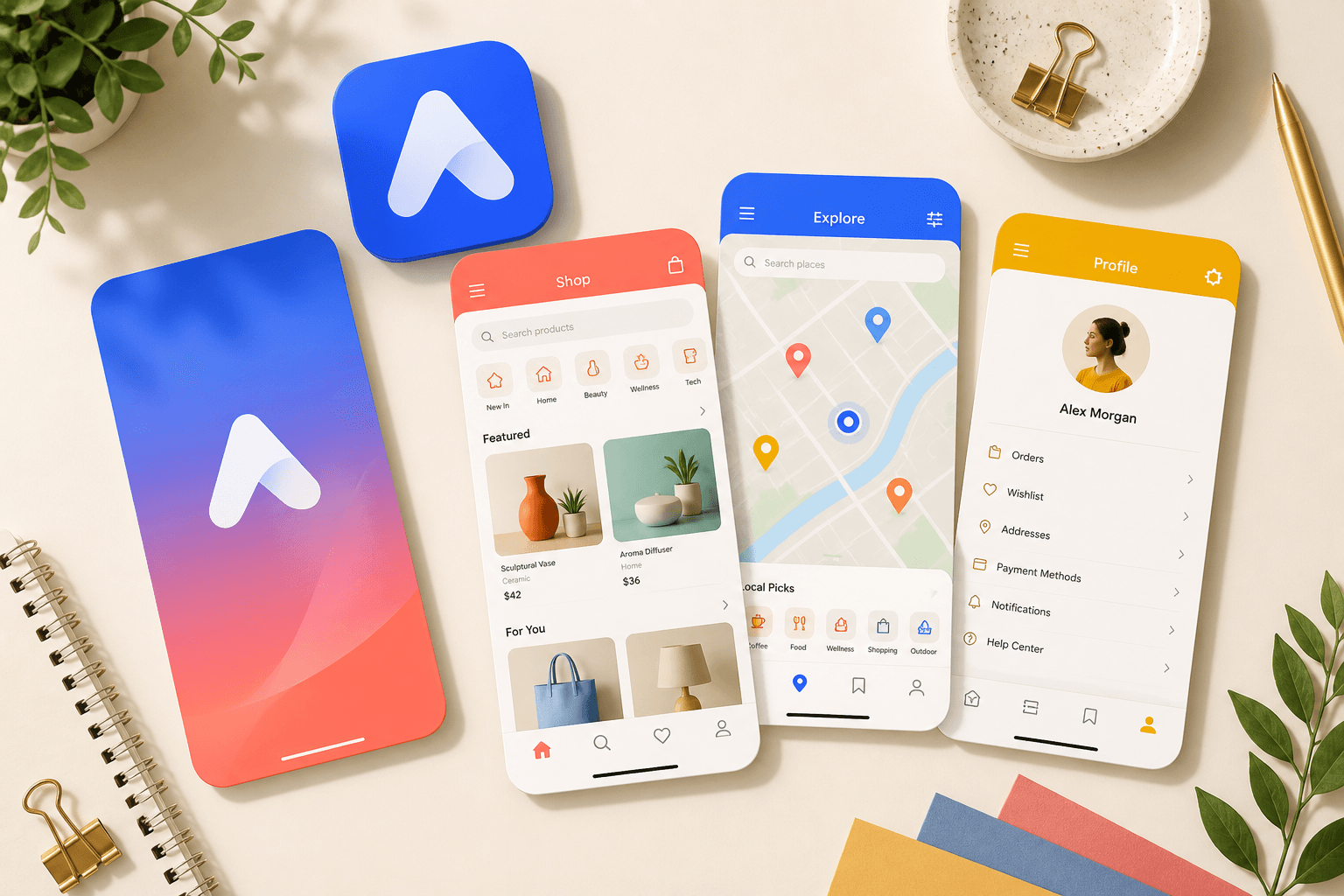

What visitors see
Push notifications land on the lock screen. Offline opens a branded shell instead of a browser error. Deep links open the matching page. That surrounding layer is why this is an app, and why a plain wrapper is not.
See what is included on each planReady when you are
Analysis and preview are free. You will know whether the site is ready — and what to fix if it is not — before you spend anything.